🚀 arnold™ 0.7.3
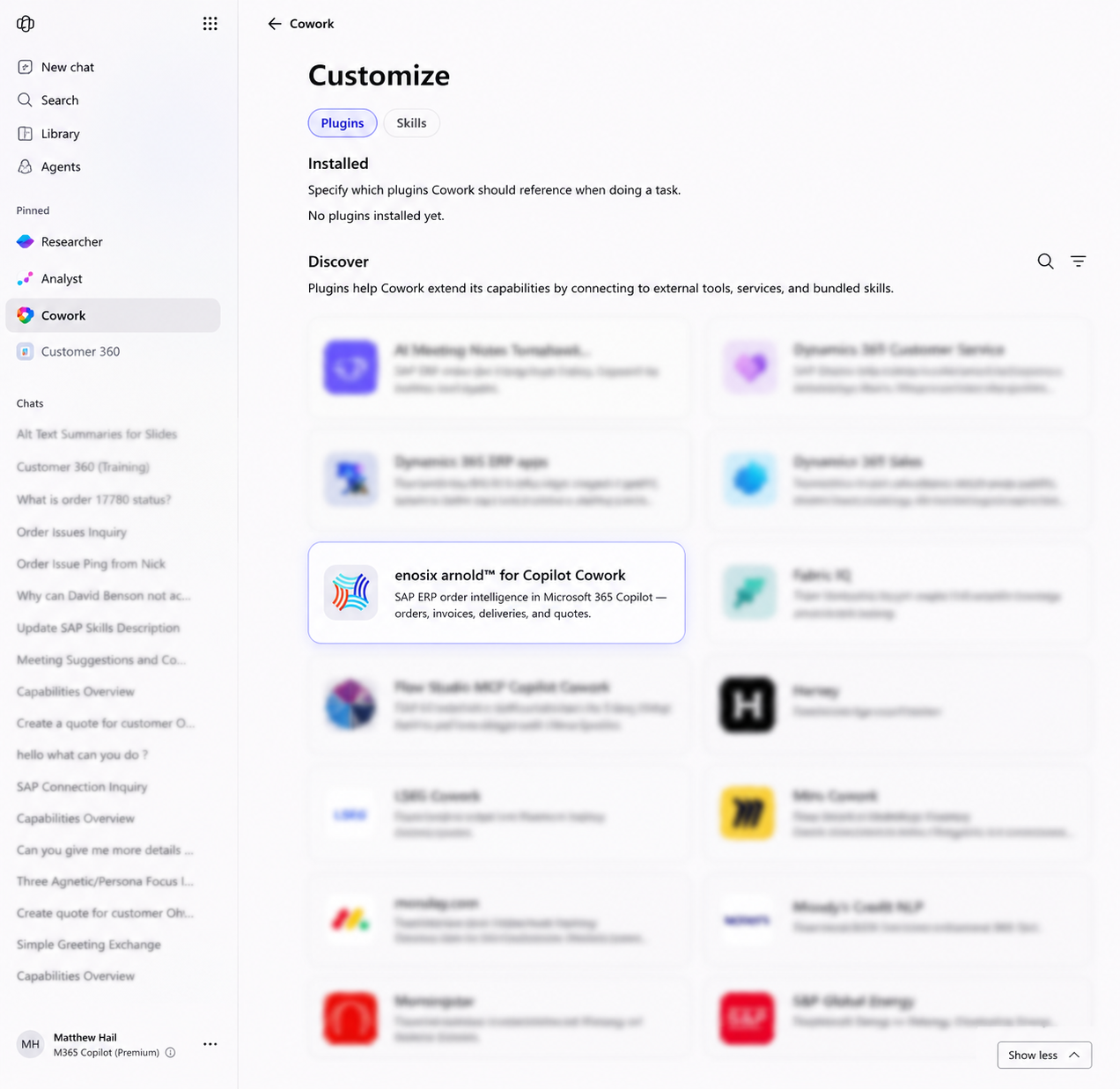
enosix arnold™ Plugin for Microsoft 365 Copilot Cowork
What it is
The enosix arnold™ plugin is now available for Microsoft 365 Copilot Cowork, enabling users to securely access live SAP ERP data and execute SAP business workflows directly from the Microsoft 365 Copilot experience. Users can install the plugin from Microsoft AppSource, authenticate with their arnold environment, and interact with SAP using natural language—all without leaving Microsoft 365.
What you can do
Using the enosix arnold plugin together with Microsoft 365 Copilot Cowork, users can:
- Retrieve real-time SAP business data using natural language
- Search sales orders, deliveries, invoices, quotes, customers, inventory, and other SAP business objects
- Update supported SAP business transactions through governed approval workflows
- Automatically draft customer emails from Cowork using live SAP information
- Generate Excel worksheets populated with SAP data for analysis and reporting
- Create Word documents, summaries, or customer reports using real-time SAP data
- Prepare PowerPoint presentations using the latest SAP business data
- Share updates directly in Microsoft Teams without manually copying information between systems
Why it matters
Microsoft 365 Copilot Cowork works across Outlook, Teams, Word, Excel, PowerPoint, SharePoint, OneDrive, Calendar, and other Microsoft 365 services, allowing users to combine enterprise SAP data from arnold with the Microsoft applications they use every day. Instead of switching between SAP and Microsoft 365, users can complete end-to-end business tasks from a single AI-powered workspace—for example, retrieving a sales order from SAP, creating an Excel report, drafting a customer email with the latest order status, and sharing updates with the sales team in Teams. All actions remain governed by Microsoft 365 approval, security, and compliance controls.
Watch the demo: Arnold + Microsoft Copilot Cowork Demo
🔗 Improved Client App & Connection Management
What it is
Client Apps can now only be associated with active connections. Disabled or inactive connections are automatically excluded during Client App configuration, preventing unsupported or invalid assignments.
Why it matters
- Eliminates configuration errors before deployment
- Simplifies Client App administration
- Prevents integrations from referencing unavailable connections
- Reduces support and troubleshooting effort
👤 Smarter Authentication & User Validation
What it is
Authentication has been refined to better distinguish between active users, inactive users, and unknown users. arnold now applies the appropriate authentication flow for each scenario, providing clearer portal behavior while eliminating incorrect warnings generated during sign-in.
Why it matters
- More accurate user validation
- Improved security and audit accuracy
- Cleaner system logs
- Better administrator visibility into actual authentication issues