Track an Order
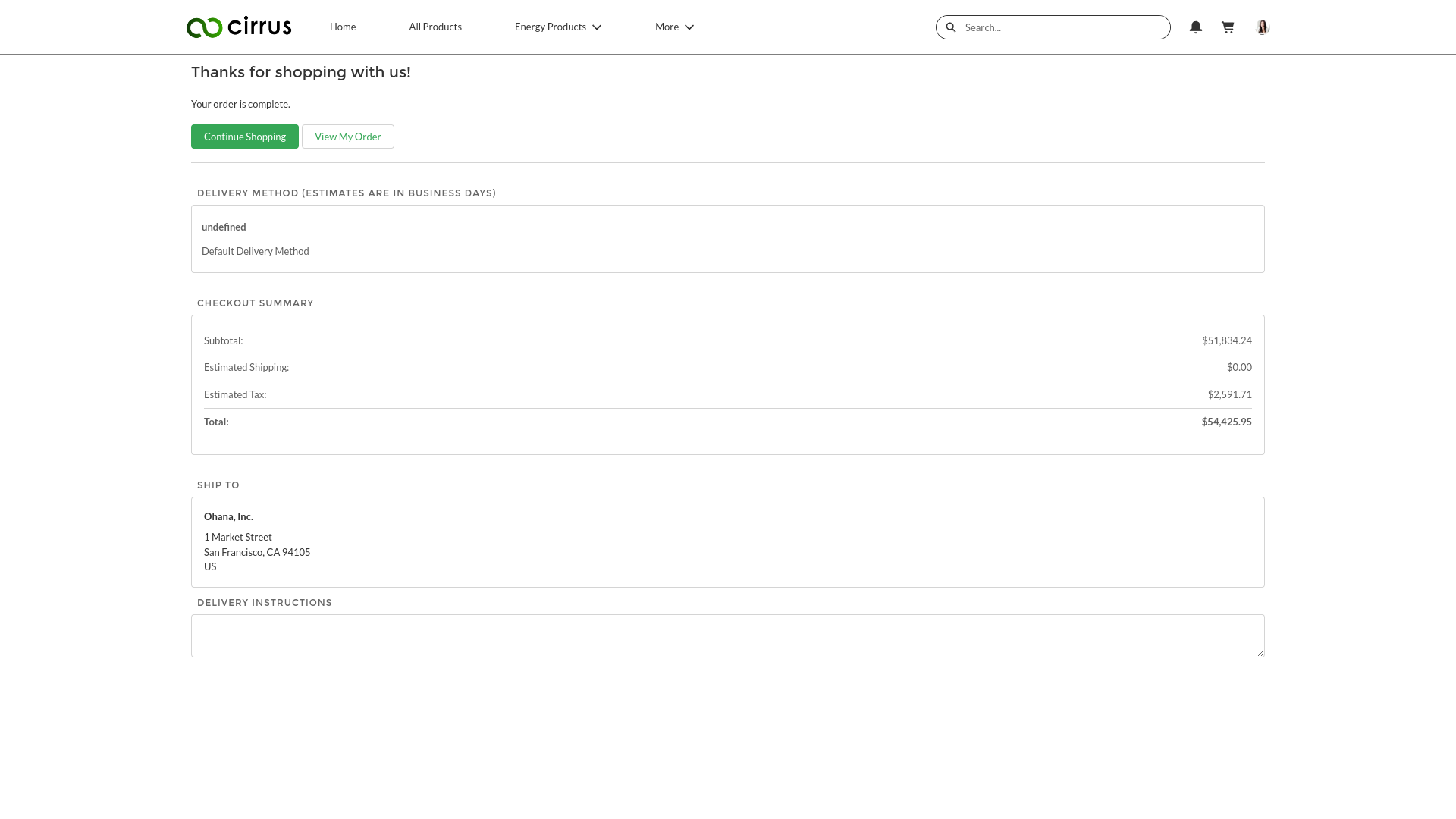
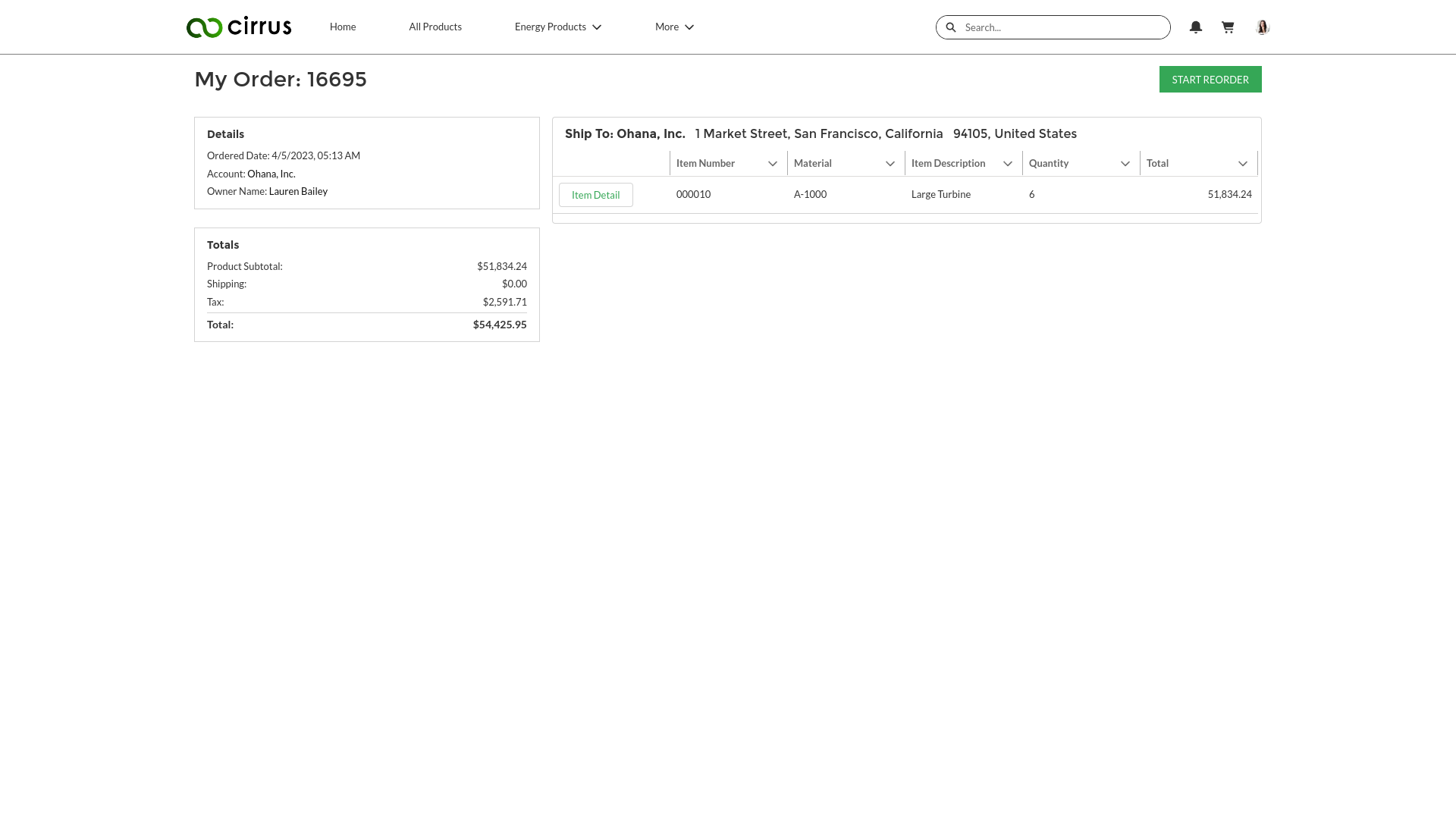
After a customer creates an order, they can track their order to check its current status (example: they can click View My Order in the Order Confirmation screen). The Order Summary screen displays real-time SAP information for a specific order. It shows the Order Number, the customer’s Account name, the Ordered Date, the order Status, the Total price (plus other pricing information), the Ship To address, and the list of items that the customer ordered. After an order ships, the Tracking Number also displays in the Order Summary screen.
Item Details
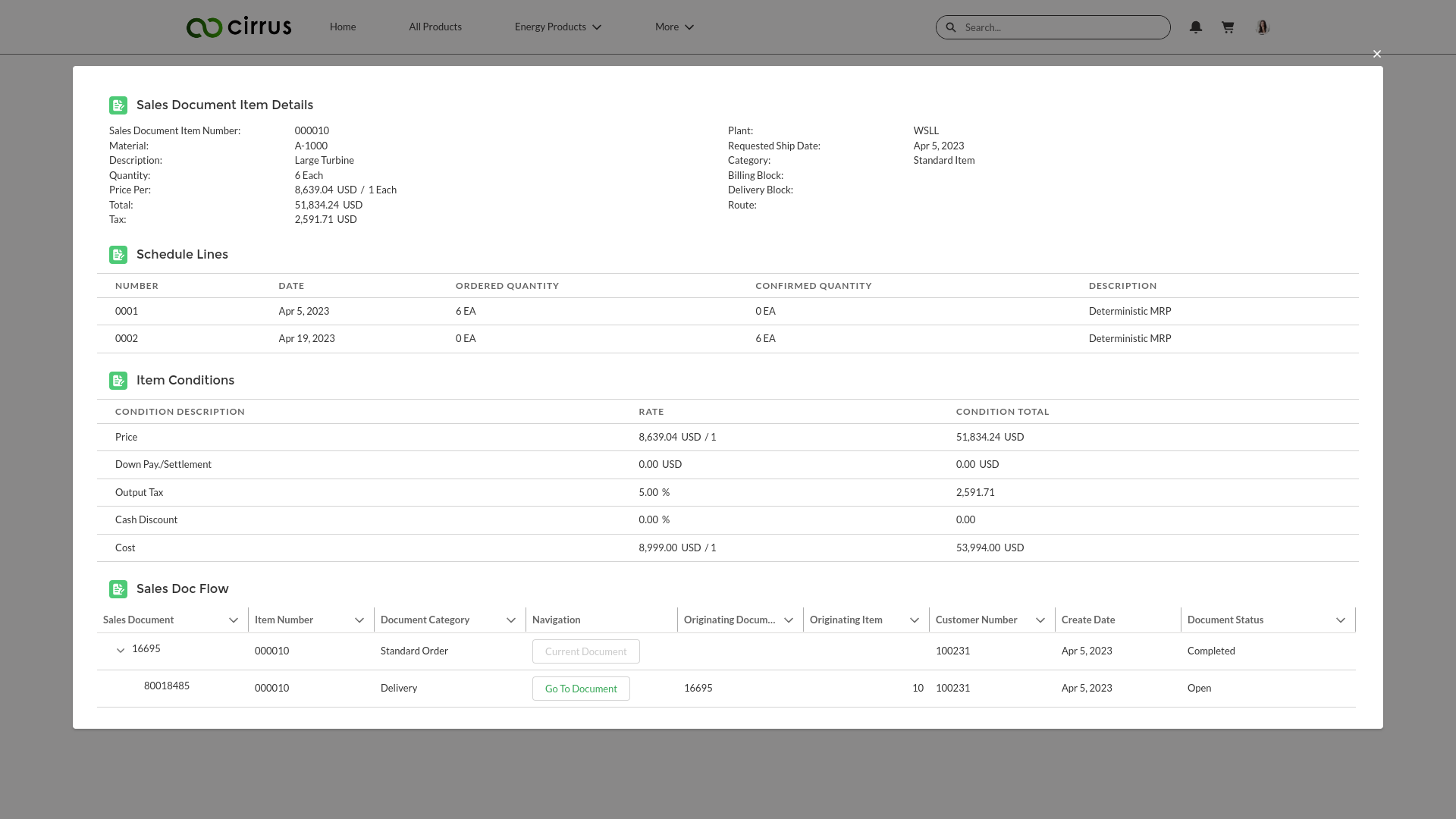
Your customers can click an Item Detail button to display details regarding a specific line item in the order. The Item Details screen displays information regarding a single item in the order: the item Quantity, pricing, the Plant where the item was shipped from, the Requested Ship Date, the item Category, Item Conditions, etc.
Order History
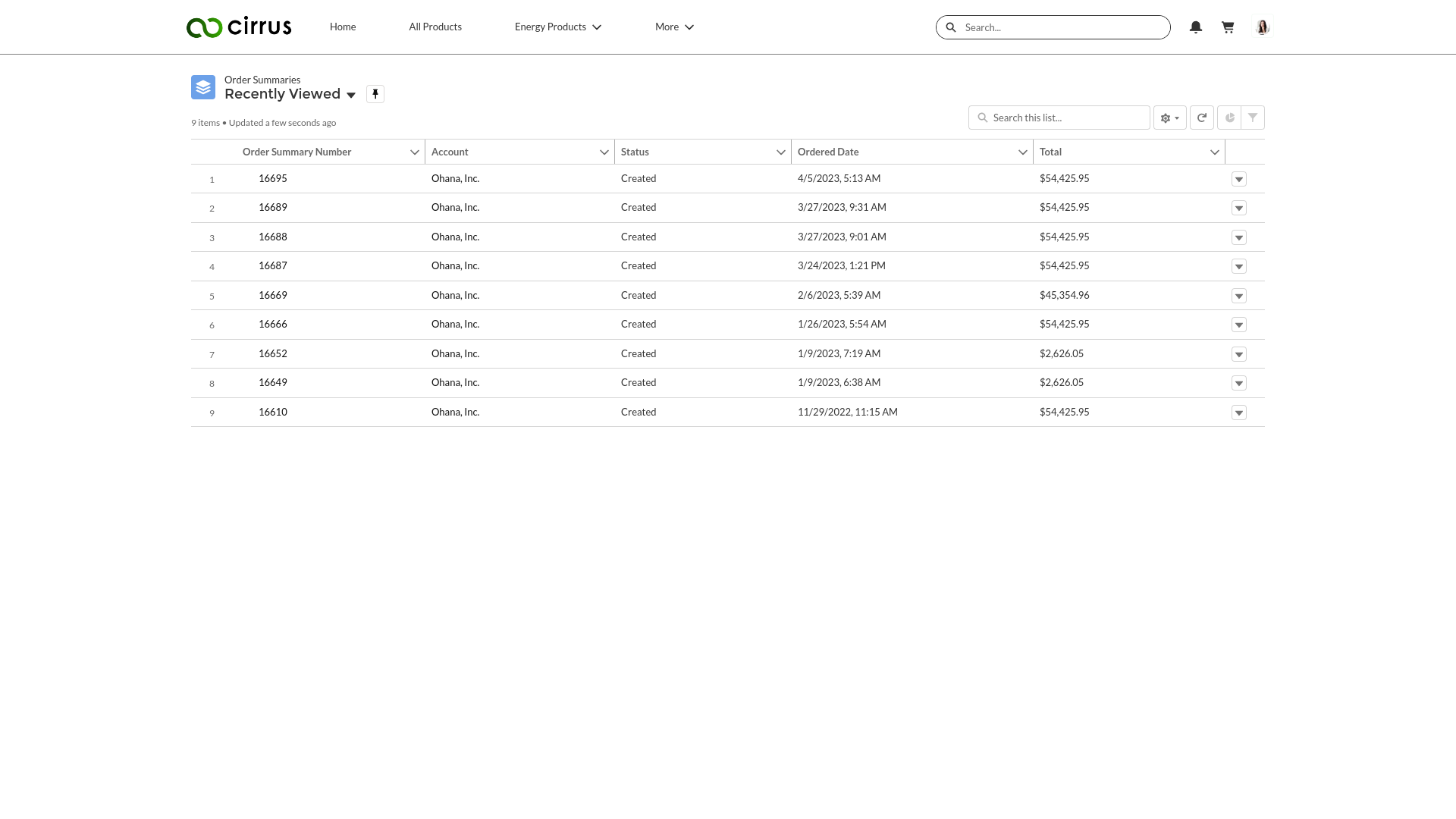
Your ecommerce site’s home page includes an Order History which displays a list of all the orders that a customer has placed. The Order History lets customers see a quick overview of their orders (containing real-time SAP data), including: Order Number, Account name, Status, Ordered Date, and Total price.